CRM Automation for Small Business: The 5 Tasks to Automate First
A CRM is only as useful as the data inside it. Manual entry guarantees the data will be incomplete, inconsistent, and out of date. Here are the five CRM tasks small businesses automate first and why each one matters.
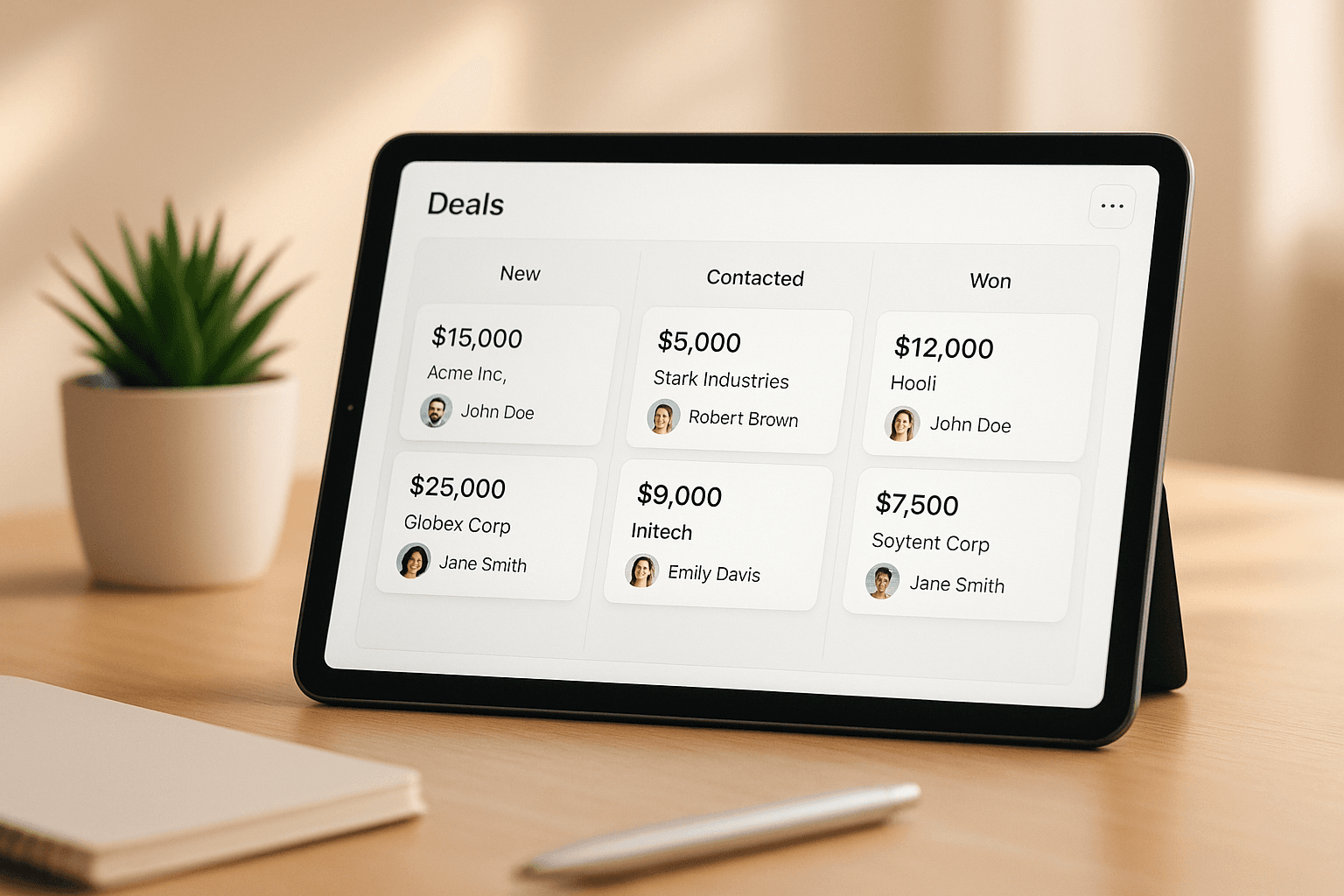
A CRM that your team logs into to manually update records is not really a CRM. It is a very expensive contact list with notes that are three weeks old. The promise of a CRM, a live view of your pipeline, your client history, your follow-up status, only materializes when the data in it reflects reality. Manual data entry does not produce that. Automation does.
Task 1: Lead Capture and Data Entry
When a prospect fills out a form on your website, calls your number, or messages on social media, that lead should appear in your CRM automatically, with their name, contact info, the source, the time, and whatever they said. No copy-paste. No delay. No leads that fall through because someone forgot to log the phone call. An integrated lead capture layer ensures that every new contact enters your CRM the moment they make contact, tagged correctly and assigned to the right stage.
Task 2: Follow-Up Sequences
A follow-up sequence is a set of messages that go out at defined intervals after a trigger event: a quote was sent, a meeting happened, a proposal was delivered. Manual follow-up requires someone to remember who needs a follow-up, when the last touchpoint was, and what to say. That is three decisions per contact, per follow-up, in a week where those contacts are one of fifty things on the list. Automated sequences handle all three decisions automatically and consistently. The right message goes out at the right time for every contact without anyone remembering to send it.
Task 3: Deal Stage Updates
Keeping deal stages accurate in a CRM is tedious work with high value: pipeline visibility, revenue forecasting, and team accountability all depend on it. But manually dragging deals from Quote Sent to Awaiting Decision to Closed is the kind of work that gets skipped when the week is busy. Automated stage progression moves deals when defined conditions are met: a payment received moves a deal to closed-won, a proposal opened without response after seven days triggers a follow-up task, a meeting scheduled moves a lead from cold to active. The pipeline stays accurate without anyone curating it.
Task 4: Reporting and Pipeline Views
When CRM data is accurate and current, reporting becomes automatic. Weekly pipeline summaries, month-over-month close rates, average deal size by source, time-to-close by service type, all of this is computable the moment the data is clean. The owner gets a real-time picture of the business without pulling a report, because the report is the CRM, updated live. Most small business owners never get this because the CRM data is too patchy to trust. Automating data entry is what makes it trustworthy.
Task 5: Post-Close Onboarding
When a deal closes, a new workflow begins: welcome message, onboarding steps, initial deliverable timelines, check-in scheduling. This is another predictable sequence that should not require anyone to remember to start it. A deal moving to closed-won triggers an automated welcome email, an onboarding task sequence for the team, and a 30-day check-in reminder. The client experience starts consistently, at the right time, without anyone having to manually kick it off.
Case Study
Aerrand
Automated onboarding sequences replaced a chain of manual handoffs. Every new client gets the same experience, on the same schedule, without anyone having to manage it.
If your CRM has contacts with no notes, deals stuck in the same stage for weeks, or follow-ups that you know should have happened but did not, those are the gaps we fix. Show us your CRM and we will show you exactly where automation closes the holes.
Book a Strategy CallFree Resource
Get the automation playbook.
Practical guides on what to automate first, sent to your inbox. No fluff.