Automate Your Healthcare Staffing Agency's Timesheets and Invoicing
The path from completed shift to collected payment runs through too many manual steps in most healthcare staffing agencies. Here is what automated timesheet-to-invoice processing looks like and the errors it eliminates for good.
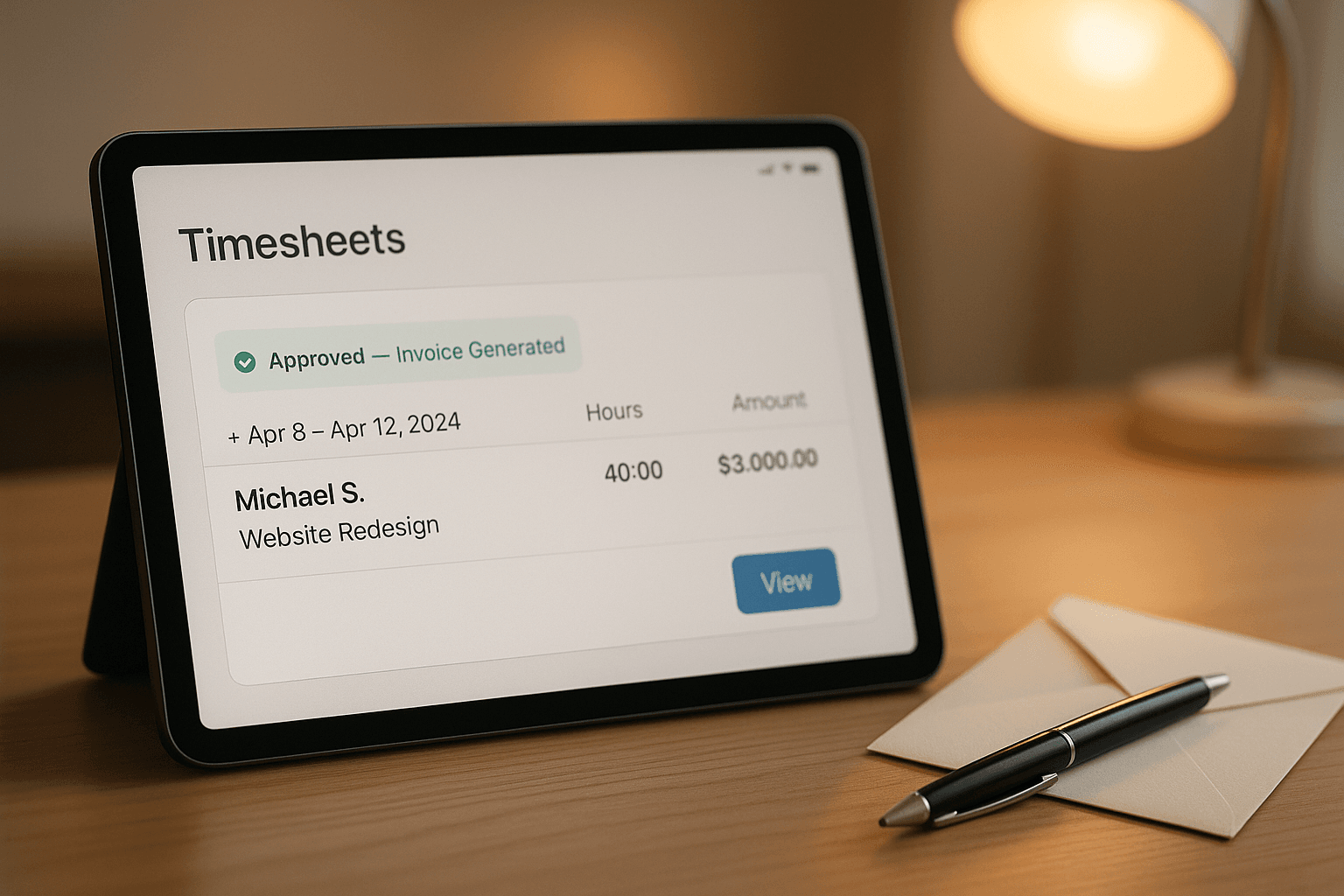
The shift ends. The worker goes home. And somewhere in your office, the clock starts on one of the most error-prone processes in healthcare staffing: turning hours worked into an accurate invoice the client will actually pay without dispute. In most agencies, this involves a minimum of four manual steps, two people, and at least one email chain that nobody can find when the client questions a charge three weeks later.
How Most Agencies Handle This and Why It Costs Them
The typical flow goes something like this: worker submits timesheet by email or text, coordinator receives it, compares it to the original booking, manually enters the hours into the invoicing system, generates the invoice, sends it to the client contact, waits, and eventually follows up if payment does not arrive. When a discrepancy comes up, and discrepancies always come up, someone has to dig through emails to find what was actually booked, what was actually worked, and who approved the deviation.
The failure points in this chain are predictable. Hours get entered incorrectly. Discrepancies get missed until the client calls. Invoices get sent to the wrong contact because the contact changed and nobody updated the record. Follow-ups happen late because the coordinator was busy, or they happen on the wrong invoice because the tracker is a spreadsheet that three people edit. None of this is unusual. All of it is fixable.
What Automated Timesheet-to-Invoice Looks Like
The worker completes their shift. Within minutes, an automated timesheet prompt goes to their phone. They fill in start time, end time, and any notes directly in the form. The system compares the submitted hours to the original booking automatically. If the hours match within tolerance, the invoice line item is generated without anyone's involvement. If there is a discrepancy, the coordinator gets a notification with both the booked hours and the submitted hours side-by-side, along with the worker's note, and a single-click approval or flag action. The invoice is built from approved items and sent automatically to the correct client contact on the billing schedule you set.
Payment tracking happens in the same system. When an invoice hits its due date without a payment record, a follow-up goes out automatically, not aggressively, not from someone with something else on their mind, and not late because the week got busy. The follow-up cadence is set once and runs indefinitely.
The Errors That Disappear When You Automate
- Transposition errors: hours entered manually get miskeyed. Automated transfer from submission to invoice eliminates this entirely.
- Wrong client contact: static billing contacts in automated systems get updated in one place and applied everywhere. Spreadsheets do not work this way.
- Missing follow-ups: automated follow-up at day 7, day 14, and day 30 happens without anyone checking a tracker. Nothing slips.
- Disputed hours with no paper trail: every automated submission is timestamped and stored. When a client disputes a charge, the audit trail takes seconds to produce.
- Late invoices: manual invoice prep happens when someone has time. Automated invoicing happens when the shift is approved, every time.
Getting Started Without Replacing Everything
The most common concern we hear is about existing tools. Most healthcare staffing agencies have some combination of scheduling software, a CRM, and an accounting platform, none of which were designed to talk to each other. The good news is that automation does not require replacing any of them. A properly built integration layer sits between your existing tools and handles the data movement, the comparisons, the notifications, and the invoice generation, using the systems you already pay for as its source of truth.
The starting point is usually the timesheet-to-invoice chain because it is the most error-prone, the most time-consuming, and the one with the clearest dollar-per-hour cost when it breaks. Once that runs automatically, the case for automating the next thing becomes obvious.
Case Study
Healthcare Staffing Agency
Invoice errors dropped to near zero after automating the timesheet submission and reconciliation flow. Follow-up became invisible to the team. Payment came in faster.
If your timesheet-to-invoice process involves more than one person or more than one tool, we can map the gaps and show you what automation covers. Bring your current setup to a thirty-minute call and we will tell you exactly what is worth fixing.
Book a Strategy CallFree Resource
Get the automation playbook.
Practical guides on what to automate first, sent to your inbox. No fluff.