HVAC Dispatch Software: How to Double Daily Jobs Without Hiring
Manual dispatch, slow quotes, and forgotten seasonal maintenance reminders cap how many jobs an HVAC team can run per day. Here is what automated dispatch, quoting, and seasonal scheduling looks like in practice.
Every HVAC service call sets off the same chain: check technician availability, make the assignment, call the client to confirm, look up parts, prepare a quote, log the completed job, generate an invoice. In a slow week, a dispatcher can keep up with that chain by hand. In a heat wave, with AC breakdowns coming in faster than they can be scheduled, that same chain becomes physically impossible to manage manually — no matter how good the dispatcher is.
The ceiling on how many jobs an HVAC team can run per day is rarely the number of technicians. It is how fast the dispatcher can move information between the phone, the schedule, and the client. That is a software problem, not a staffing problem.
Where Manual Dispatch Breaks First
- Dispatch itself: checking availability, assigning techs, calling clients to confirm — a process that does not scale past a fixed number of calls per hour, no matter how experienced the dispatcher is.
- Quote delivery: technicians call in job details verbally, someone types them up, the owner reviews, and a PDF gets assembled — often a full day or more after the job finished.
- Seasonal maintenance: tune-up reminders and filter replacement follow-ups live in a spreadsheet that only gets checked when someone has spare time, which is rarely during the season that matters.
Dispatch That Assigns Itself
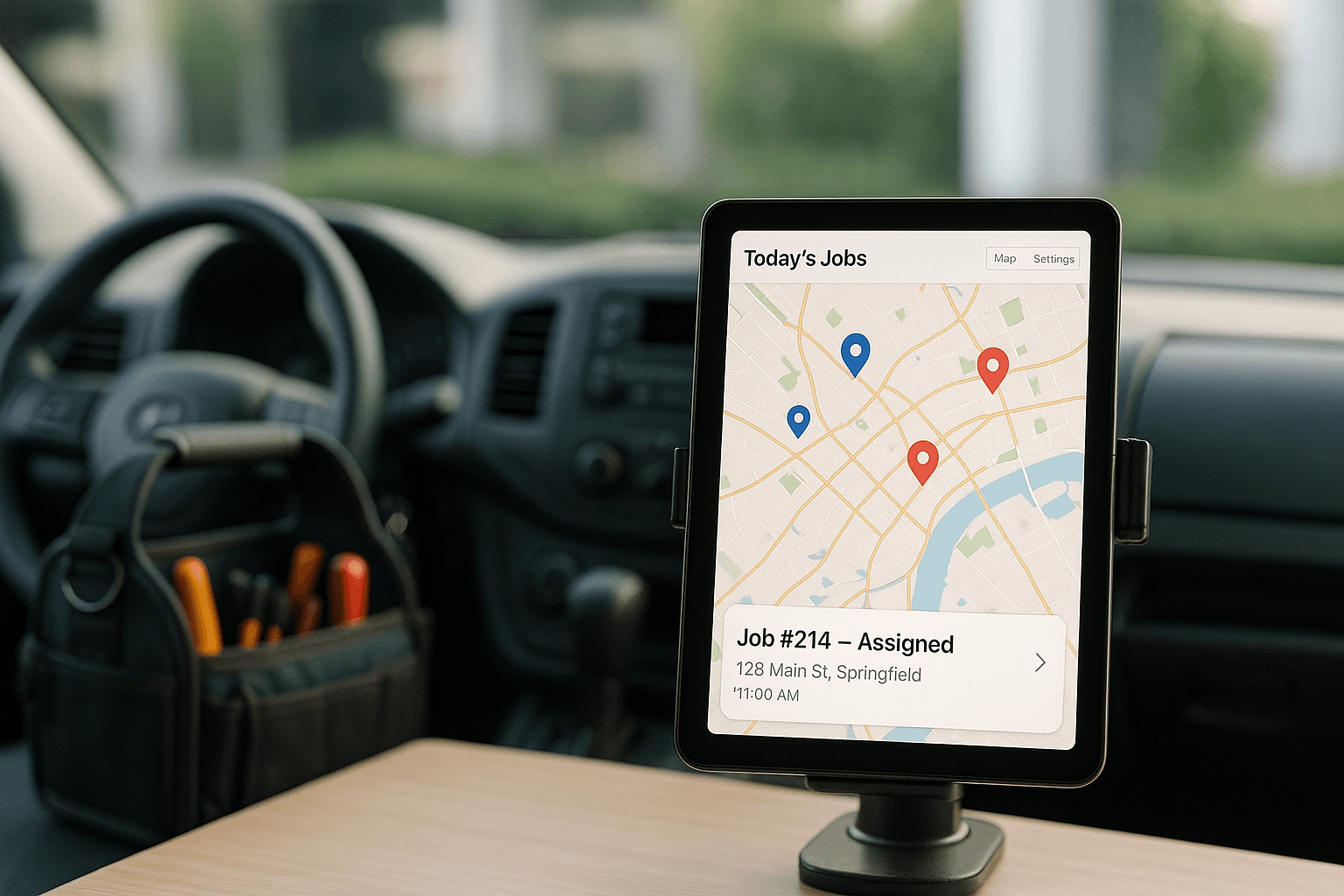
When a service call comes in, an automated dispatch system checks technician availability and proximity, assigns the job, and sends the client a confirmation with a two-hour arrival window — all within seconds, without a dispatcher touching the phone. The assigned technician gets the job details pushed straight to their phone. The dispatcher's day stops being a constant stream of routine assignments and becomes focused entirely on the calls that actually need judgment: escalations, complex jobs, and unhappy clients.
From Completed Job to Sent Quote in Under 30 Minutes
After the visit, the technician fills out a short mobile form — time spent, parts used, job notes. The system builds a quote automatically from a standard rate library. The owner reviews and approves it with one click, and it goes to the client the same day, often within 30 minutes of the technician leaving the site. Approved quotes convert directly into invoices, with automatic payment follow-up if nothing clears within seven days.
Case Study
HVAC & Trades Service Company
Smart dispatch, mobile job forms, and same-day quoting let an eight-tech HVAC company double daily job volume without adding headcount, even through peak season.
What Seasonal Automation Adds
Maintenance contract clients receive tune-up and filter reminders on a fixed schedule, with a one-tap self-booking link — no manual outreach required. One HVAC company saw a 40% increase in maintenance contract renewals after automating this single workflow, simply because the reminders started arriving consistently instead of whenever someone remembered to send them.
If you have ever had to turn down a job because dispatch could not keep up, that is a capacity ceiling worth removing. Tell us your crew size and call volume on a 30-minute call and we will tell you what is actually possible.
Book a Strategy CallFree Resource
Get the automation playbook.
Practical guides on what to automate first, sent to your inbox. No fluff.