What Is Business Automation? A Plain-English Guide for Business Owners
Business automation is not a technology trend. It is the practice of removing humans from tasks that do not need humans. Here is a plain-English explanation of what it is, how it works, and where to start.
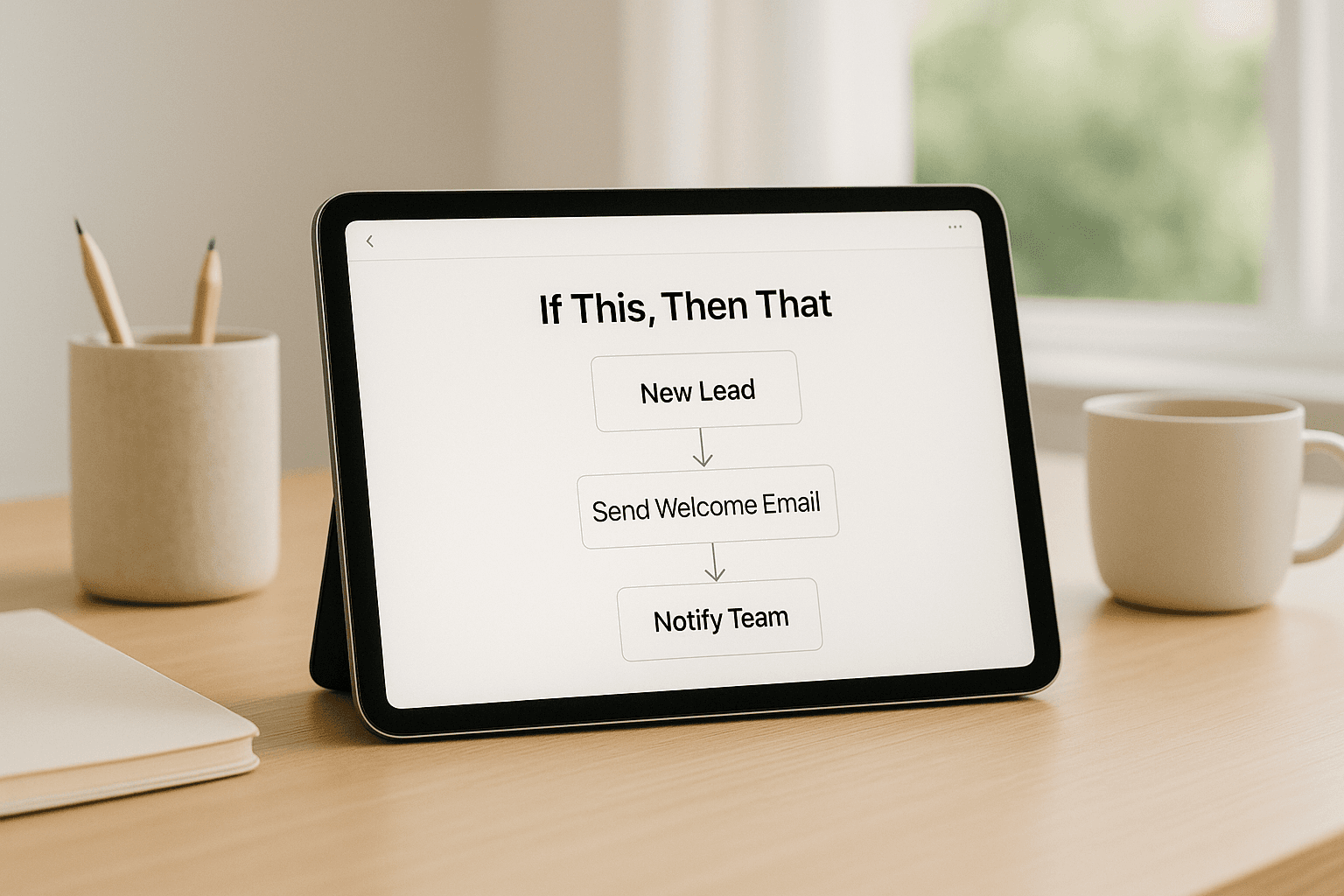
Business automation has a PR problem. It gets packaged with AI hype, digital transformation language, and case studies from enterprises that bear no resemblance to a 12-person service company trying to stop spending Friday afternoons on administrative work. The actual concept, stripped of all of that, is simple: identify the tasks in your business that follow a predictable pattern and do not require human judgment, and set up a system to do them without human involvement.
The Simplest Definition
If you can write down exactly what happens, step by step, under what conditions, with what inputs and outputs, then a human is probably not the best person to do it. That is the test. When a new booking comes in, send a confirmation email to the client, add the job to the dispatch board, and notify the crew lead. That sentence describes a workflow that a computer can execute more reliably, faster, and at any hour. The moment a human has to make a judgment call, this client seems frustrated so I should call instead of email, is where automation hands off back to a person.
What Business Automation Is Not
It is not replacing your team with robots. The businesses we work with that see the most value from automation do not have fewer people after implementing it. They have the same people doing more valuable work. The coordinator who used to send appointment reminders by hand is now handling client escalations and doing quality follow-up calls. The owner who used to generate invoices manually every Friday is now using that two hours for business development. The headcount stays the same or grows. The composition of how those hours are used changes entirely.
It is also not a one-time project that finishes and is done. Automation is an ongoing layer of your operation. As your business changes, the automations change with it. The most valuable thing to build is not any individual automation but the understanding of which parts of your operation are candidates for it, so that as you grow, you are not adding manual overhead at the same rate.
The Three Types of Automation and Which You Need First
- Task automation: a single step that happens without human action. An email that sends when a form is submitted. An invoice that generates when a job is marked complete. Start here.
- Workflow automation: a sequence of steps triggered by an event. A new client inquiry triggers a confirmation, then a qualification call, then a CRM entry, then a follow-up sequence. This is where most businesses see the biggest time savings.
- Decision automation: a system that evaluates input, makes a choice, and takes an action accordingly. An AI that reads a form submission, determines whether the lead qualifies, routes them to the right follow-up path, and sends a different message based on the answer. This requires more build effort but handles complexity at scale.
How Automation Actually Gets Built
Most business automations are built using a combination of integration tools that connect existing software, custom logic that applies your business rules, and AI models where language understanding is needed. The starting point is always the same: map the current process in detail, identify the steps that are pure data movement or pattern following, and build a system that handles those steps without human involvement. The first build is usually the hardest because it requires the most documentation of how we actually do this. Everything after that is faster.
What the First 90 Days Looks Like
In the first 90 days of a typical automation engagement, there is a discovery phase where we map the current operation, a build phase where the automation is constructed and tested against real data, and a go-live phase where the automation runs in production with close monitoring. Most clients see the first tangible time savings within 30 to 45 days. By day 90, the automated workflow is typically running reliably enough that the team has stopped thinking about it, which is exactly the point.
Case Study
Junk Cycle
The full workflow from booking to job completion had 22 steps. After mapping and automating, the same operation runs on 3 human touchpoints. Volume doubled.
If you have a process that you can describe in a sentence, when X happens, we do Y, then Z, you probably have an automation candidate. Bring us three of those sentences and we will tell you which one to build first.
Book a Strategy CallFree Resource
Get the automation playbook.
Practical guides on what to automate first, sent to your inbox. No fluff.